Introduction
Creating animated movies, video games and movies was something I always wanted to do. However, it is expensive to create any of those things. When I heard that AI can be used to generate images, I already started experimenting with it (this was around late 2022 / early 2023), but I left it on the side and focused on other things.
I chose to revisit this in the late summer / fall of 2025 with the goal of creating my own animated short. I had a simple animated short in my mind (with around 15-20 shots total) that I wanted to produce. I wanted to use AI to help me bring my idea to life with minimal costs. This is a story of what I tried and how it panned out.
My goal was to reliably generate production-quality images which I could use in my animated short. I think everyone defines “reliably” differently, but for me this meant that I could produce 1 image that I would use in production for every 10 images I generate.
Here’s a perspective I used to set this goal: If we look at LLMs today, they produce quality responses for a large portion of the prompts. It is very rare that they produce absolute gibberish; this can happen, but it’s rare. Guided by this reasoning, I thought to myself that if I generate 10 images and 1 of them is usable in production consistently, that would mean that this system is usable. If for example you have to generate 50 images to produce 1 image which is usable in production, then it gets tedious as you have to sift through 50 images for every shot in your animation.
Another way to look at this is that if you worked with an artist, they would be able to produce what you want after 1-2 (maybe 3) iterations. That is my rough estimate; it depends on the artist as well. Through this prism, the success rate of artists is between 33% and 50%. Here my goal was to have success rate of 10%.
With this in mind, let’s start with my first task: finding reference images.
A technical note before we continue: for the experiments with Stable Diffusion, I used ComfyUI. For each experiment, you can find my ComfyUI workflows in this GitHub repository.
Finding reference images
For finding reference images, I searched through the Metropolitan Museum of Art and the Smithsonian Open Access. I found some images which “sorta kinda” fit my style, but it wasn’t really it. I then browsed through ArtStation and found some images closely resembling my style, but when I looked at their descriptions I realized they were generated in Midjourney. Therefore, I turned to…
Generating reference images
I tried generating images both with Midjourney and SDXL.
Midjourney
I tried to generate my desired art style in Midjourney and I succeeded. The generated images weren’t perfect, but they were much closer to what I had in mind than what I found via the websites I listed above. Below I put some images that I was able to generate:
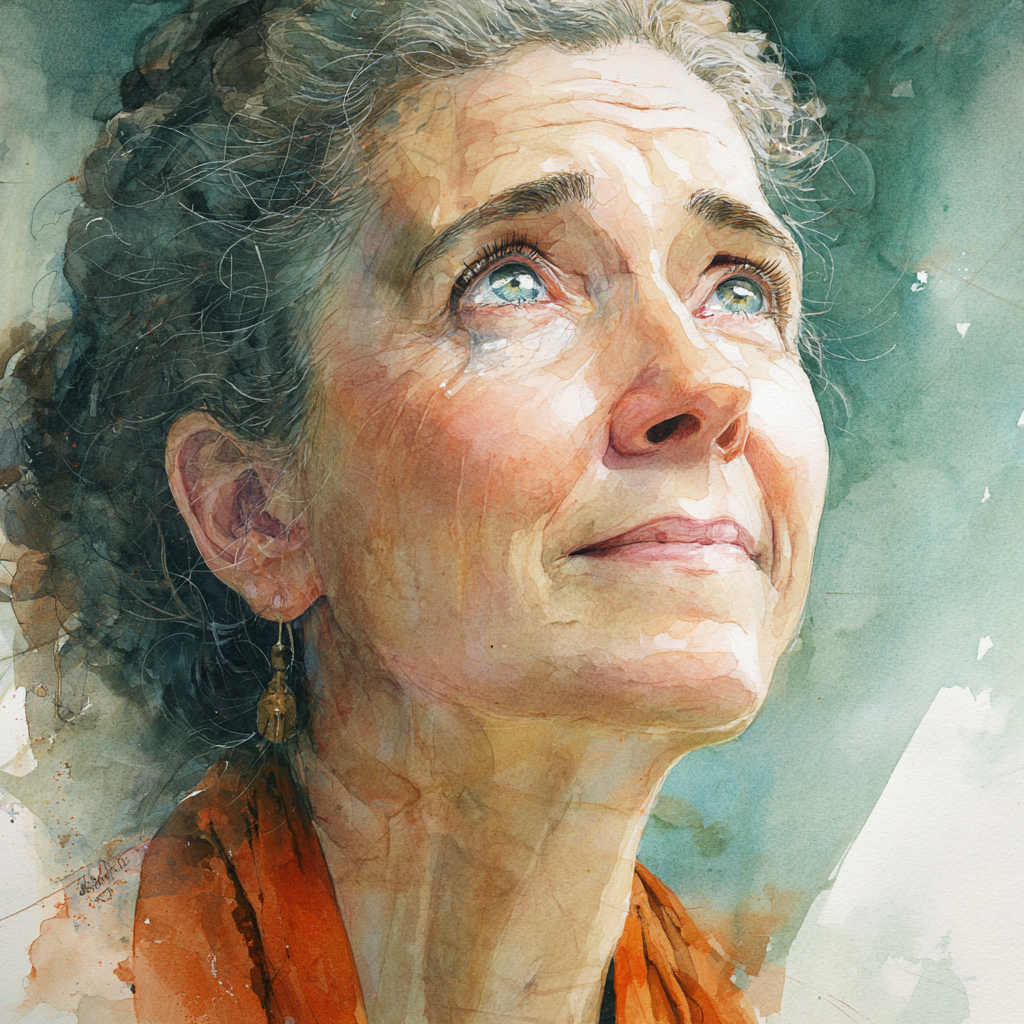
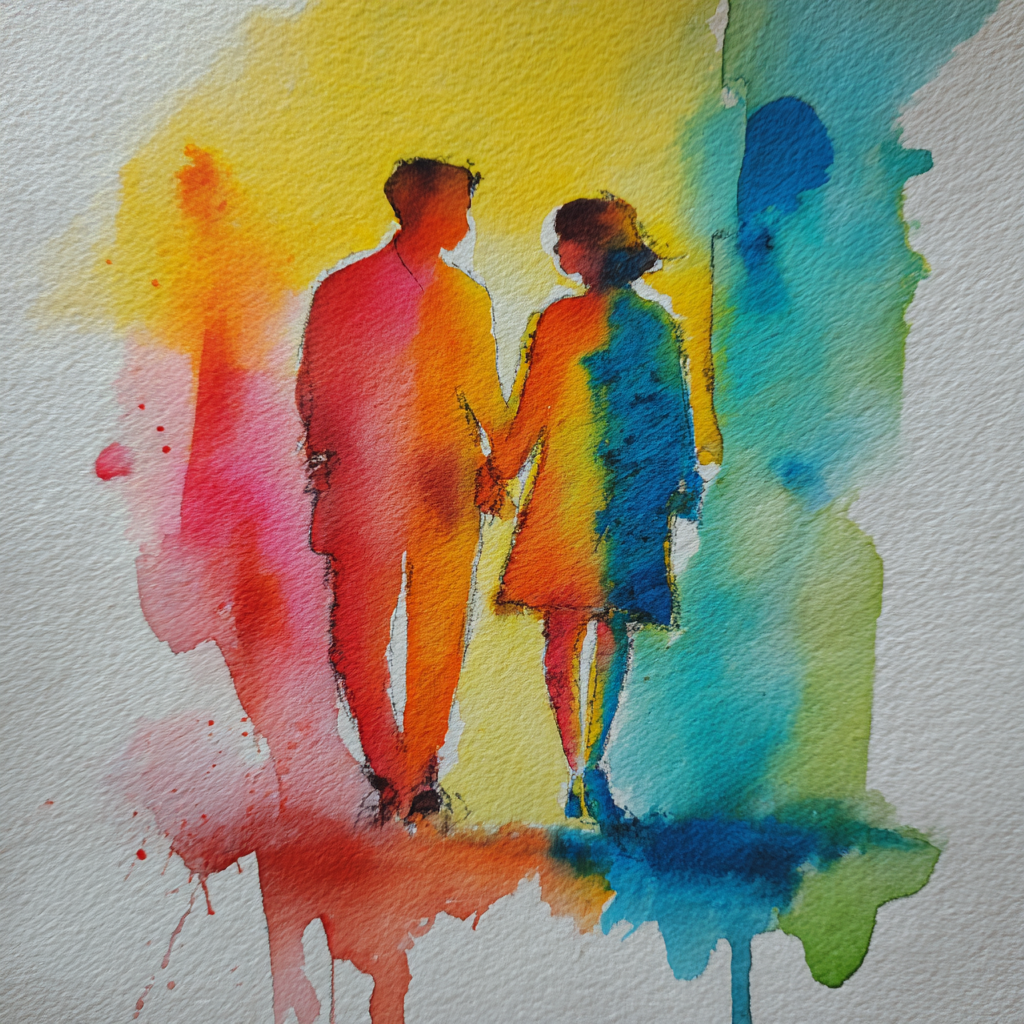
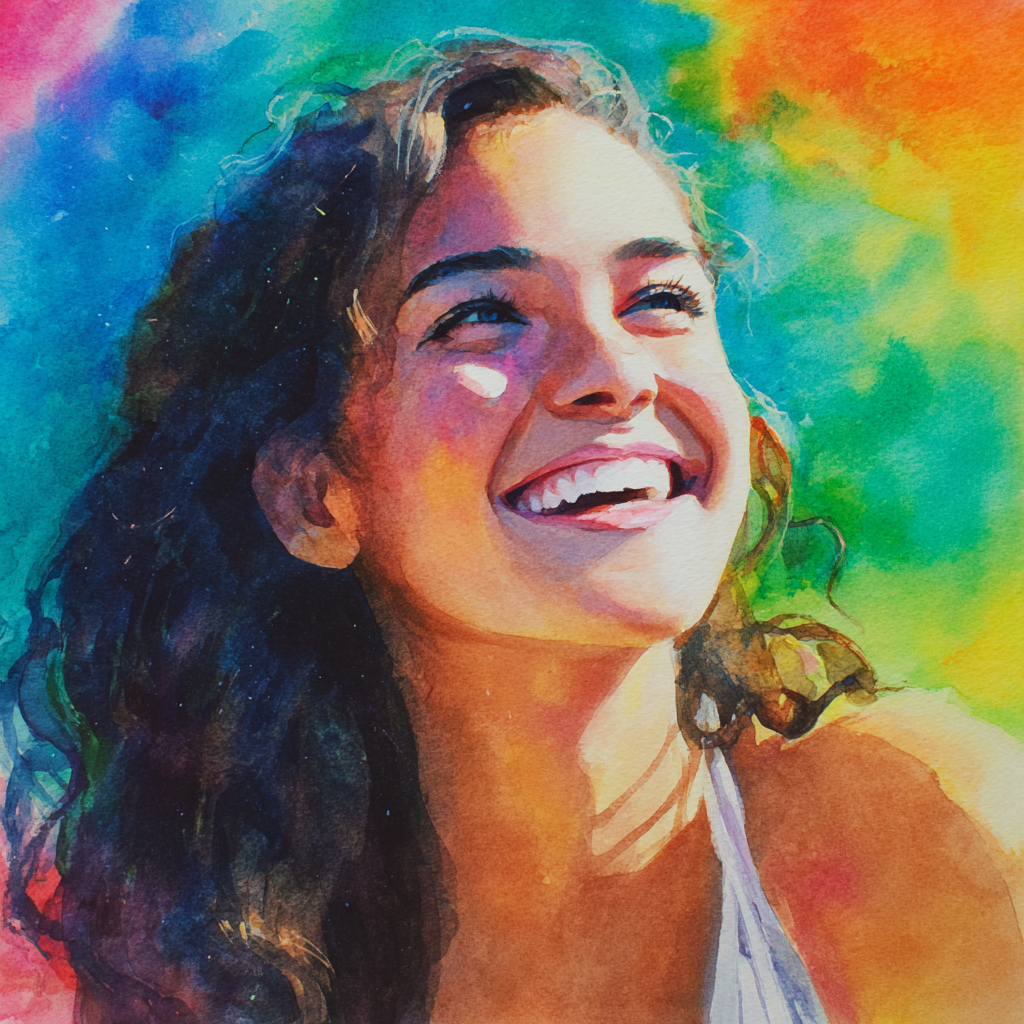
I was pretty happy with Midjourney. I think it was able to generate the art style I had in mind and I generated some decent reference images.
SDXL
I also tried SDXL, which is a shorthand for Stable Diffusion XL. In particular, I tried this one. I was able to generate some nice reference images as well. In fact, they were even more closely aligned with what I wanted than Midjourney:
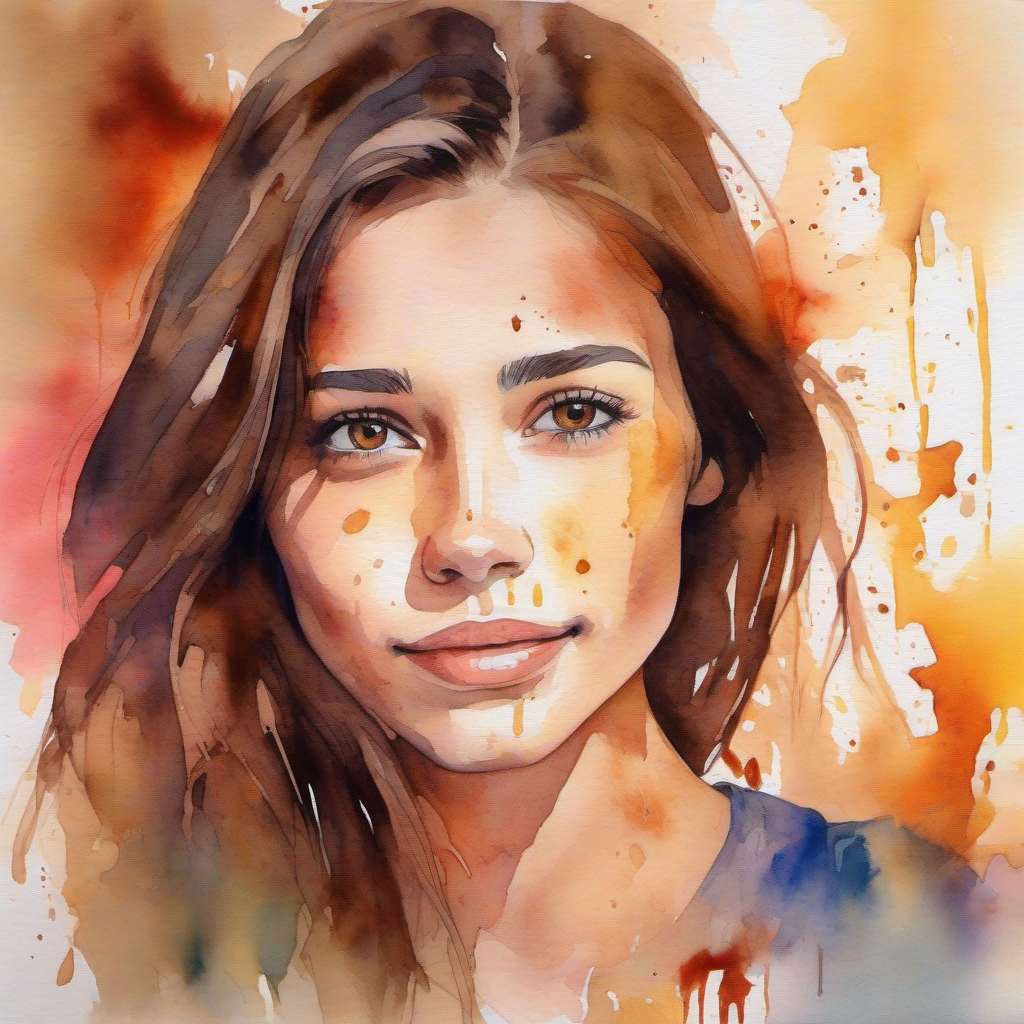
I don’t have more examples as I already had a bunch of reference images from Midjourney, but I was surprised at how good SDXL was.
Looking back, I think I could have just used SDXL (as it produced good quality and is free), but that’s not to say Midjourney is bad. This just means that in the future, I’d try SDXL first.
Once I had the reference art, my second experiment was to test how AI handles aging, because aging was central to my animated short.
Aging experiments
As I already stated, my animated short had different shots (close-ups, full-body shots, more abstract shots etc.), but the central theme of the animated short was aging. I needed to have really good control of showing the main character at different ages of her life. For this, I tried the following approaches:
img2img
A brief description of img2img: it takes an existing image as input and modifies it based on your text prompt, with a “denoise” parameter controlling how much the output deviates from the original image. Lower denoise values preserve more of the original image, while higher values allow more dramatic changes.
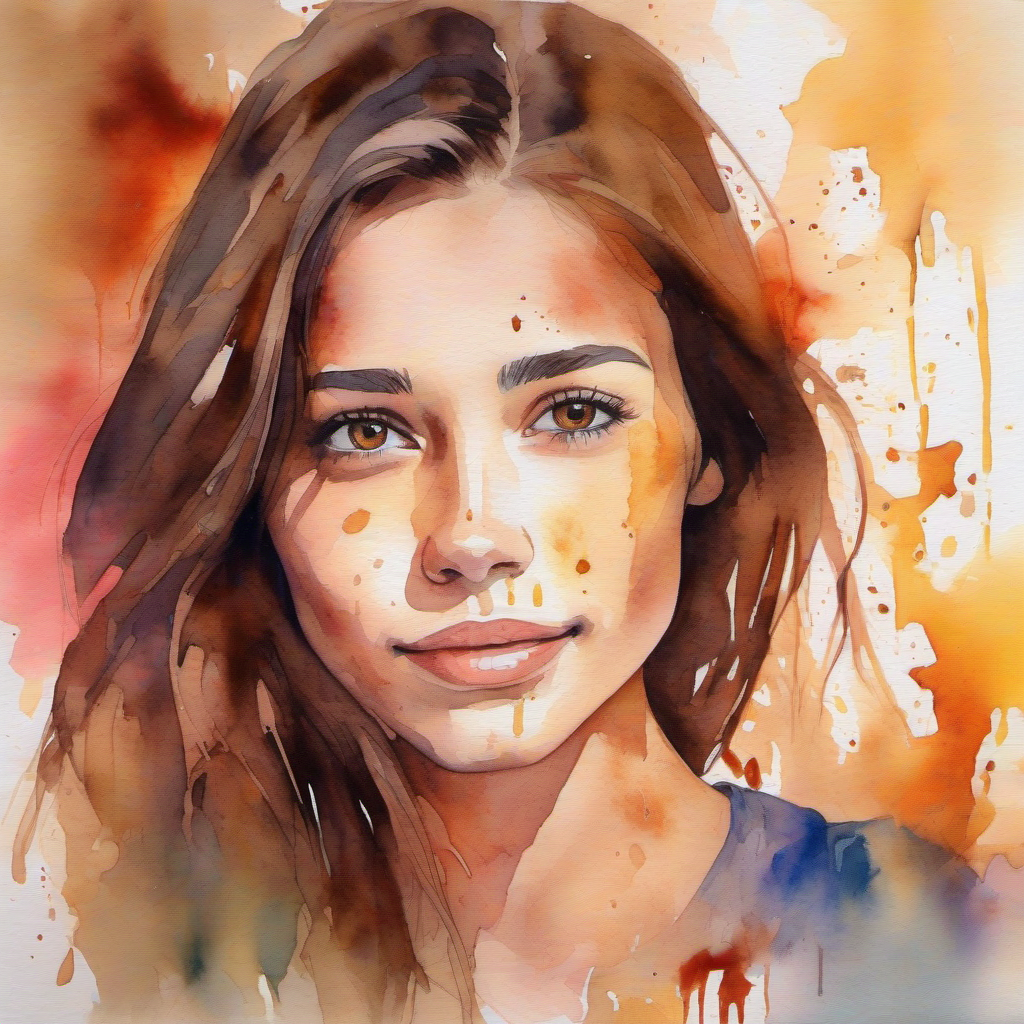
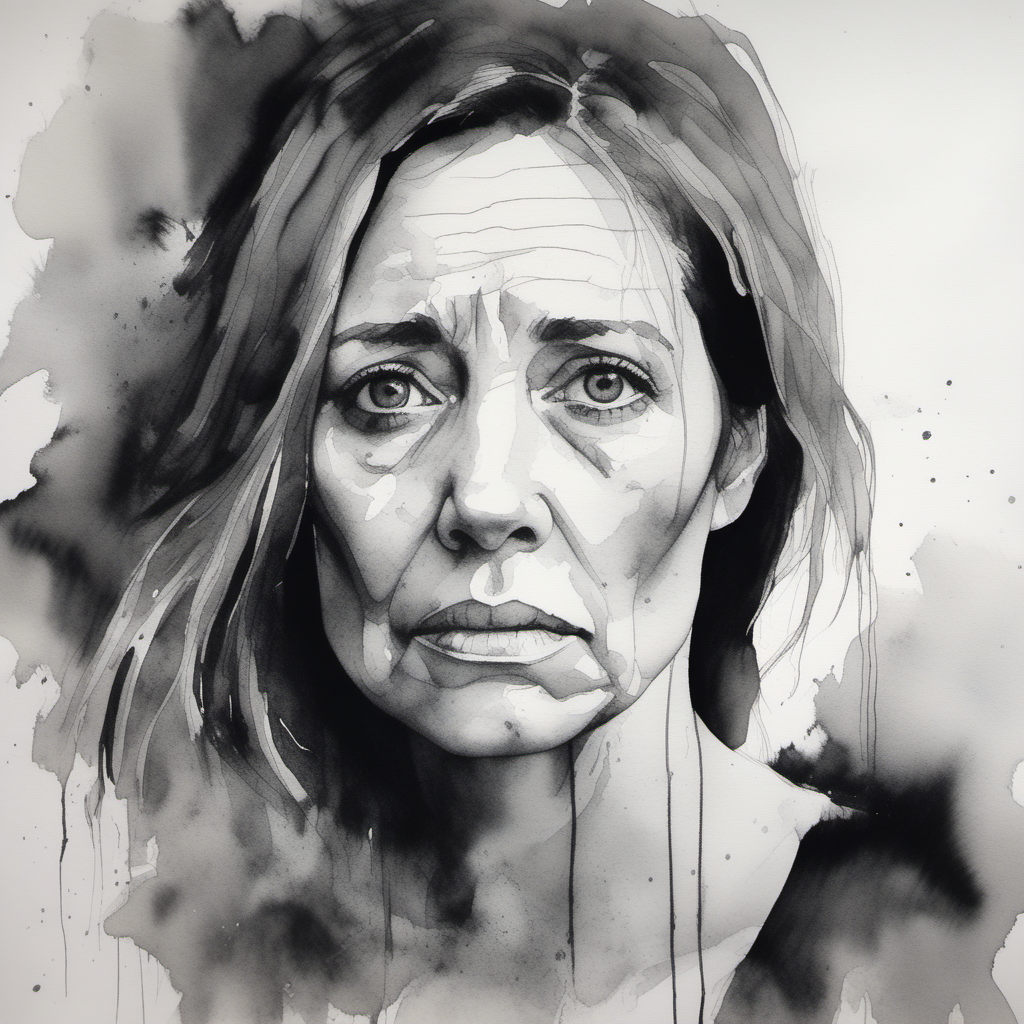
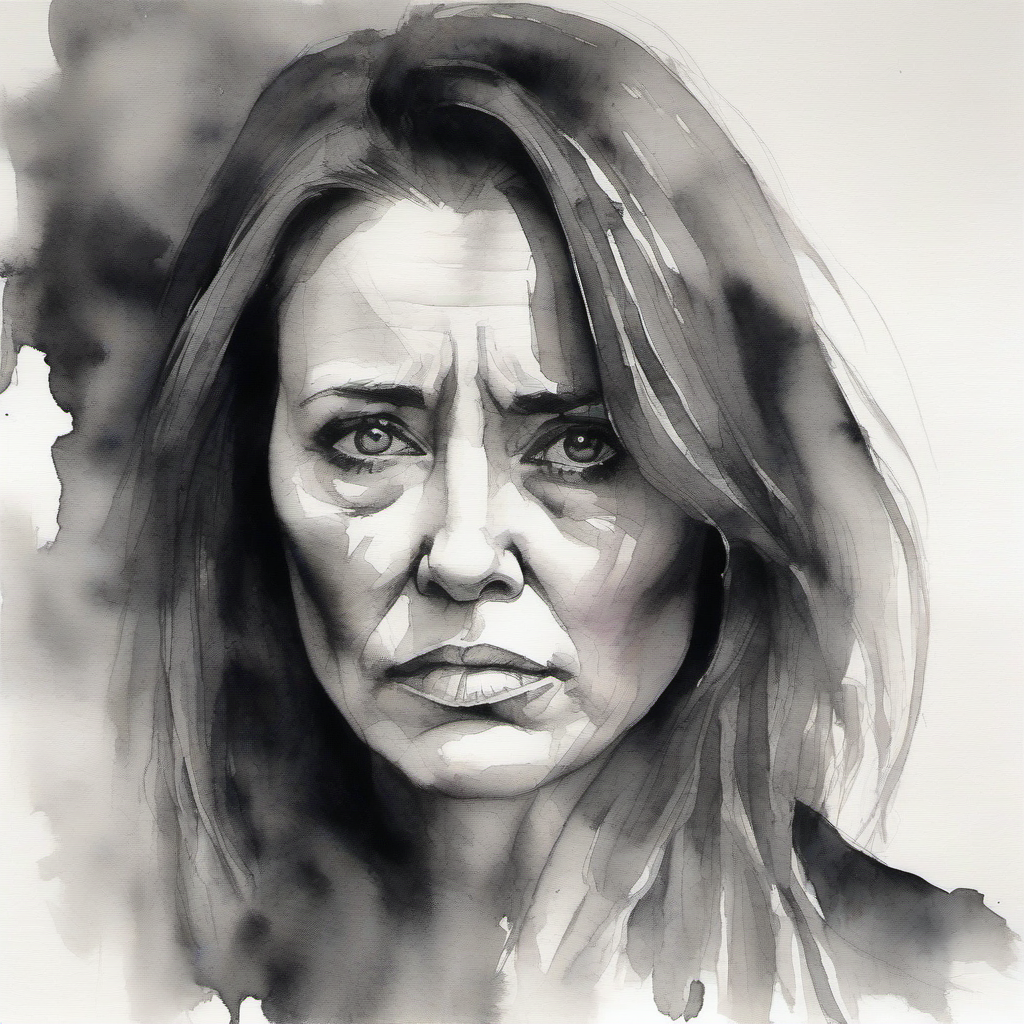
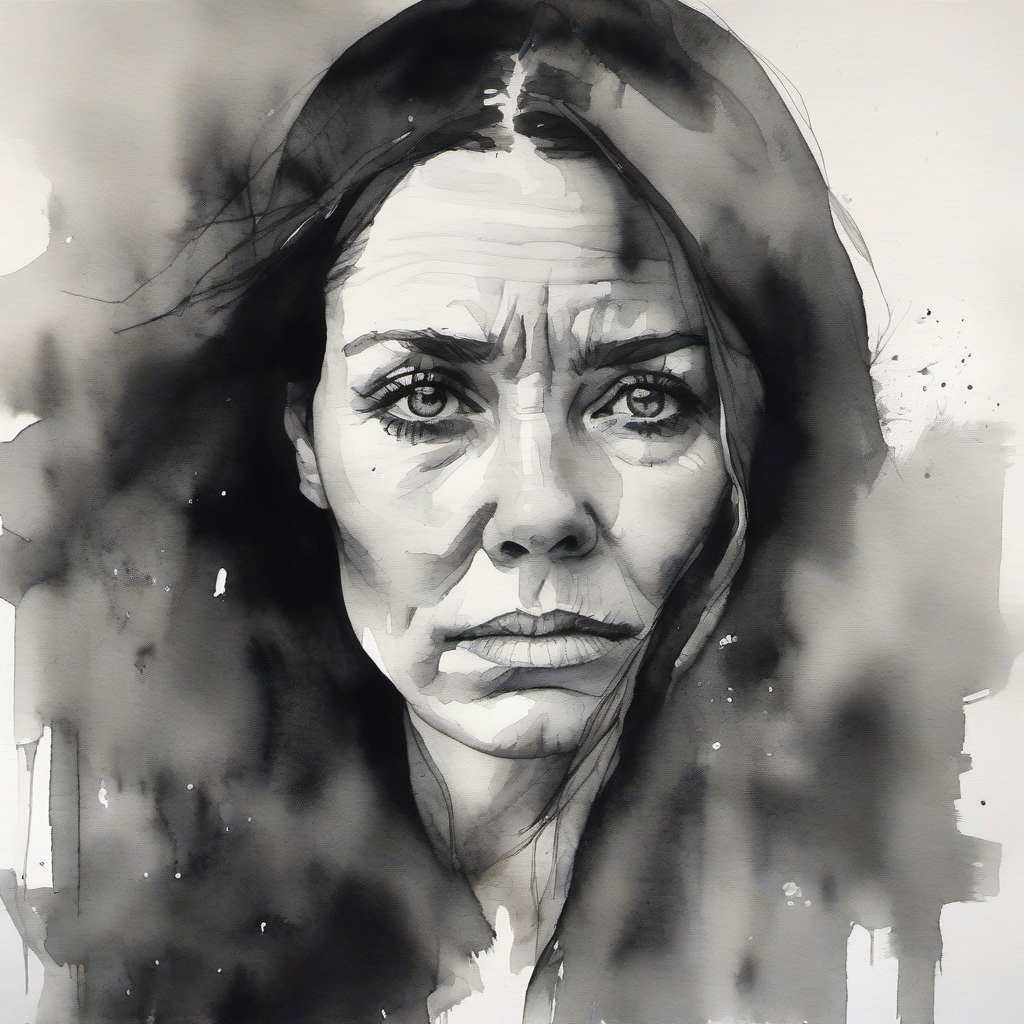
I tried generating the woman in the reference image, but in her 40s and black and white. I think it’s best if we first look at some of the results:
Reference image:
Generated images:
I also tried generating the image of the same woman as on the reference image, but in her 60s. These were the results:

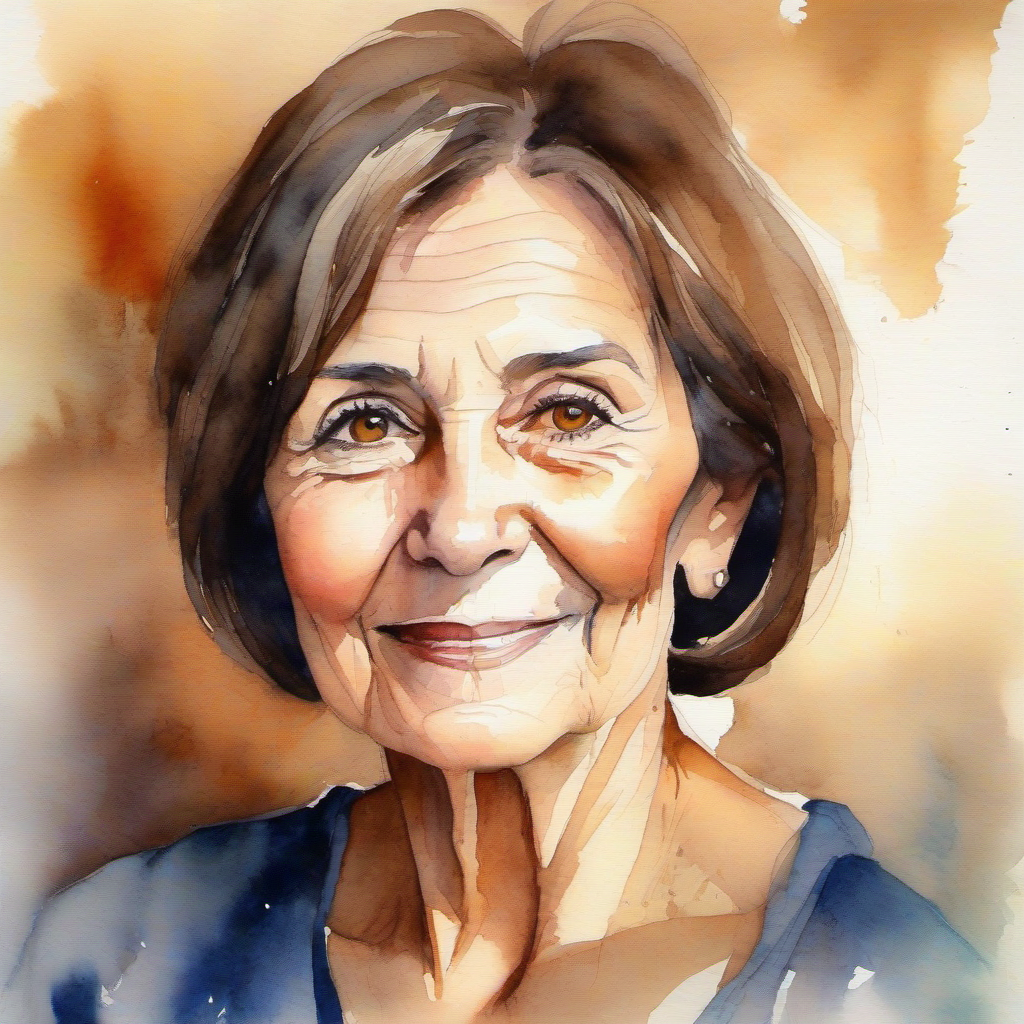
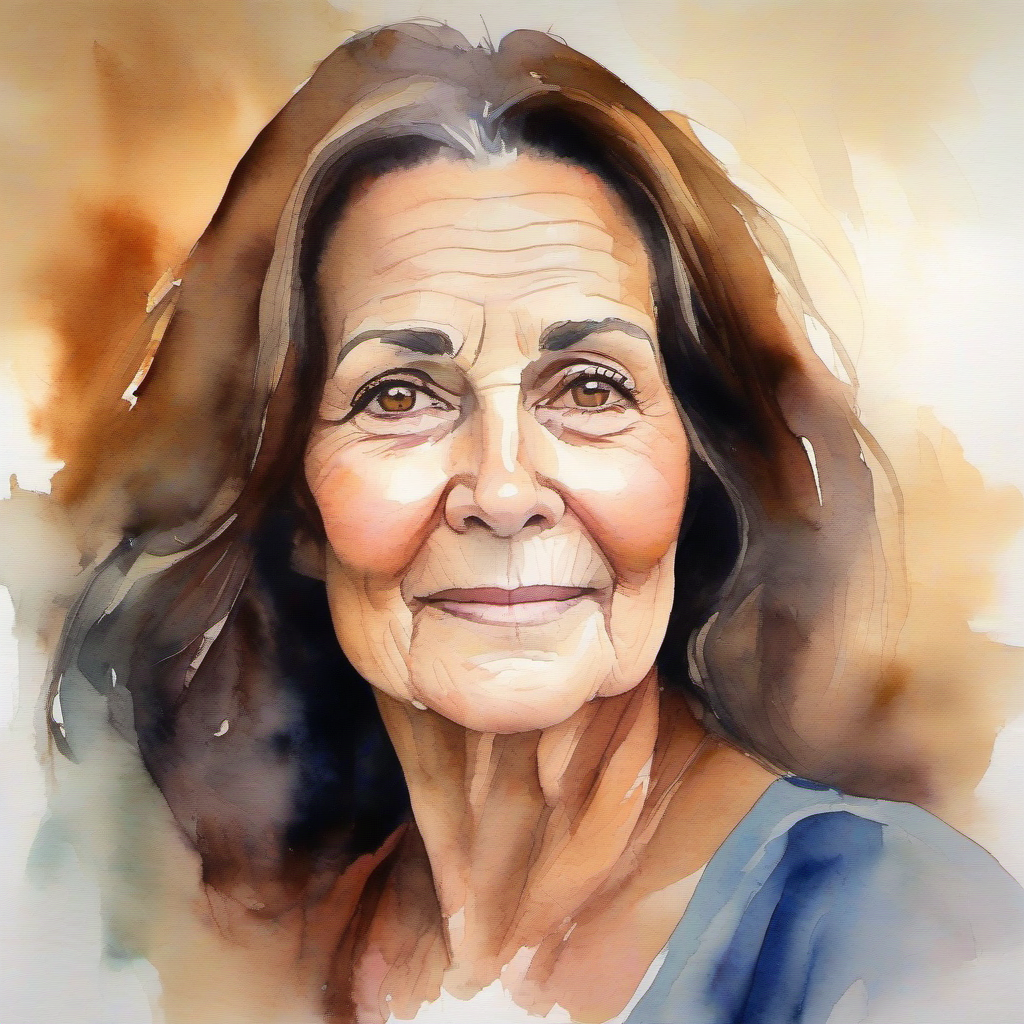
The generated images look OK, but none of the images really “clicked” for me, as the generated images look like they’re a different woman than the woman on the reference image. Maybe I am being nitpicky, but I really wanted the emotional effect of the viewer immediately recognizing without a doubt that this is the same person, but older.
To be more specific: for the same woman (as in the reference image) aged ~40 and being sad and black and white, out of 85 pictures I generated, I had 7 that could feasibly be her, but older. That is 8.23% of the total generated images, but note that this is not production quality because as I noted, something is off on those images.
For the same woman being ~60, I have 7 images out of 47 (14.89%) with her potentially being the same woman (but again, there was always something off even among the selected ones).
I experimented with various prompts and denoise values mostly, but I also experimented with the CFG, samplers (sampler_name in ComfyUI), schedulers and steps. Interestingly, when doing black and white images, denoising values other than 1.0 perserved color (it wasn’t fully black and white).
IPAdapter
After I didn’t get the results I want with img2img, I tried IPAdapter. In case you’re interested, I installed the ComfyUI_IPAdapter_plus via ComfyUI-Manager.
A brief description of IPAdapter: It allows you to use a reference image to guide the style, composition, or subject characteristics of newly generated images without directly modifying the reference image itself. Unlike img2img, it doesn’t transform the input image but rather uses it as a visual reference to influence the generation process.
I kept the same reference image and tried both experiments: one where I generated the same woman in her 40s, but in black and white and with a sad look on her face and one where she is in her 60s and filled with hope.
The result: none of the generated images were good. In particular:
- None of the black and white images were actually black and white and
- None of the supposed to be 60-year-old woman pictures were actually her being 60 years old.
You can see some results for the supposed to be 40 years old, black and white and sad below:
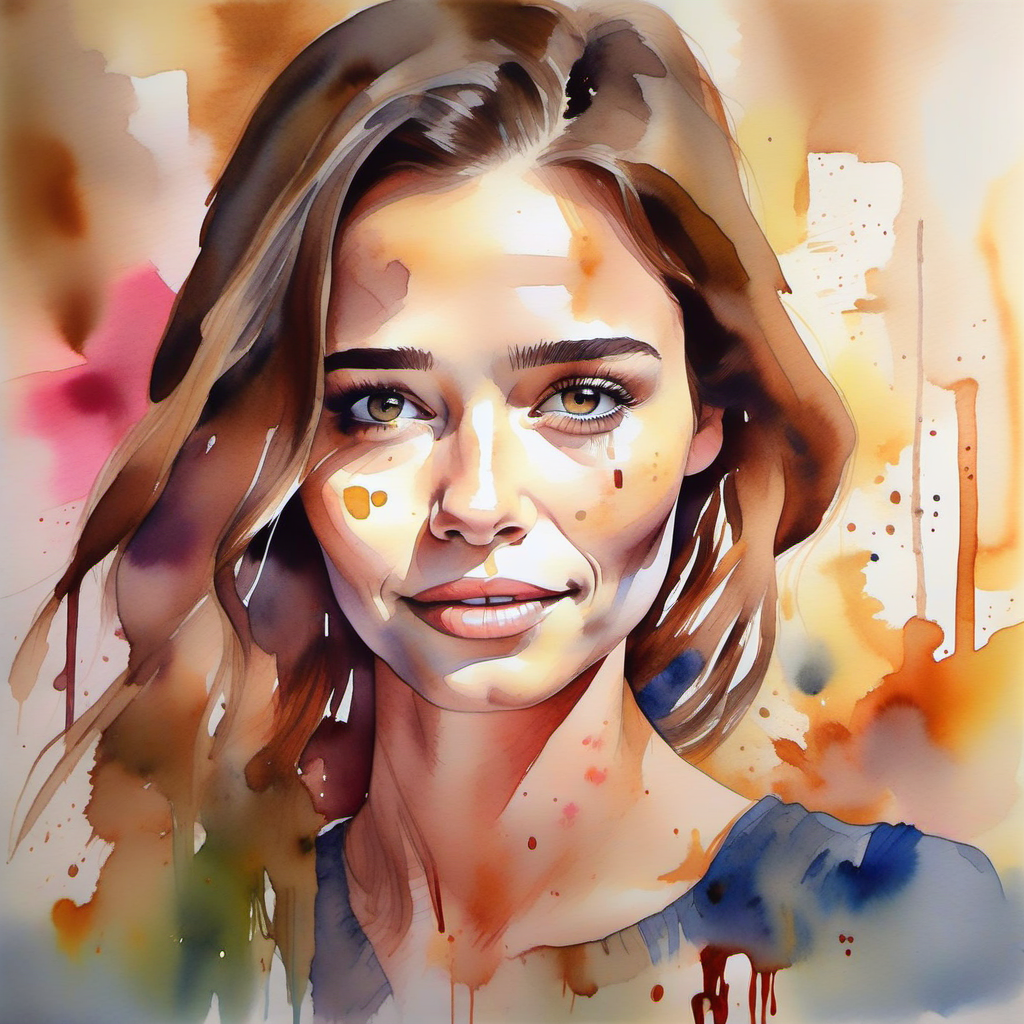
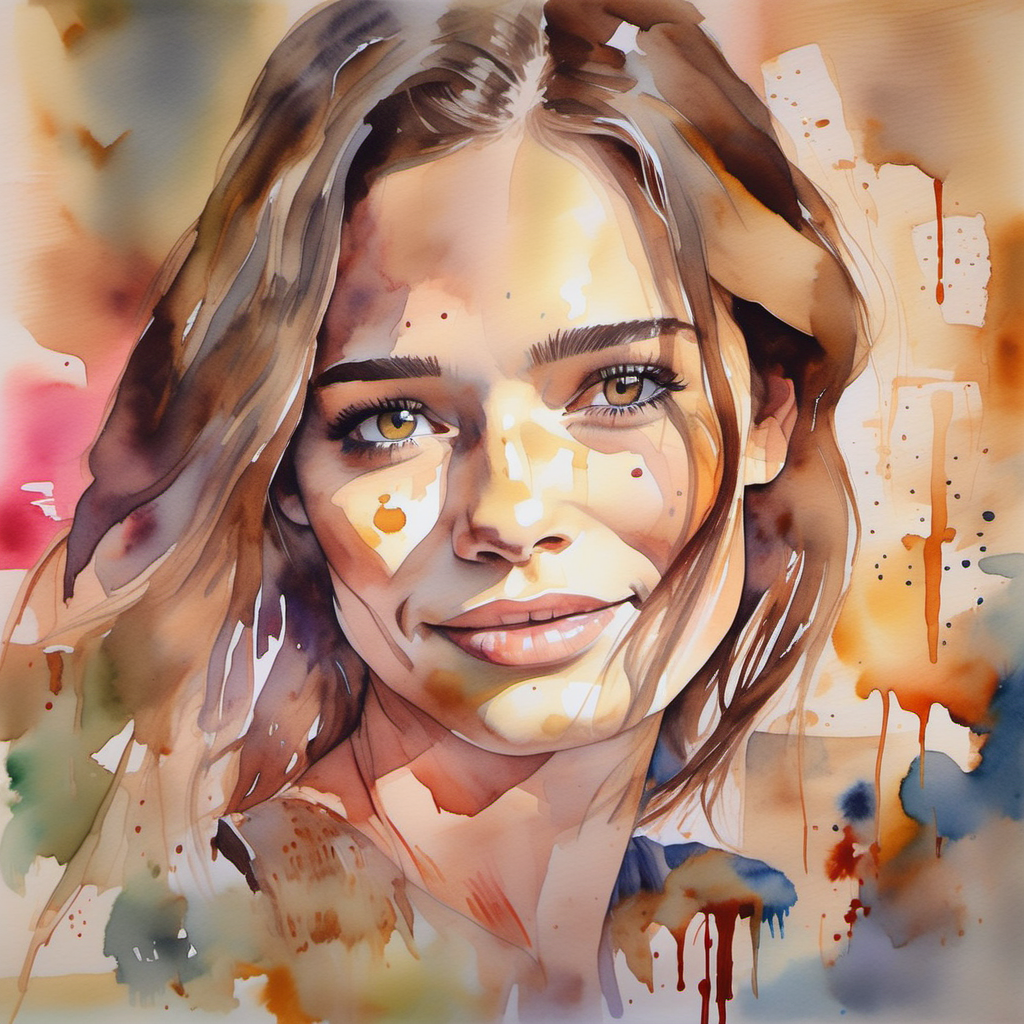
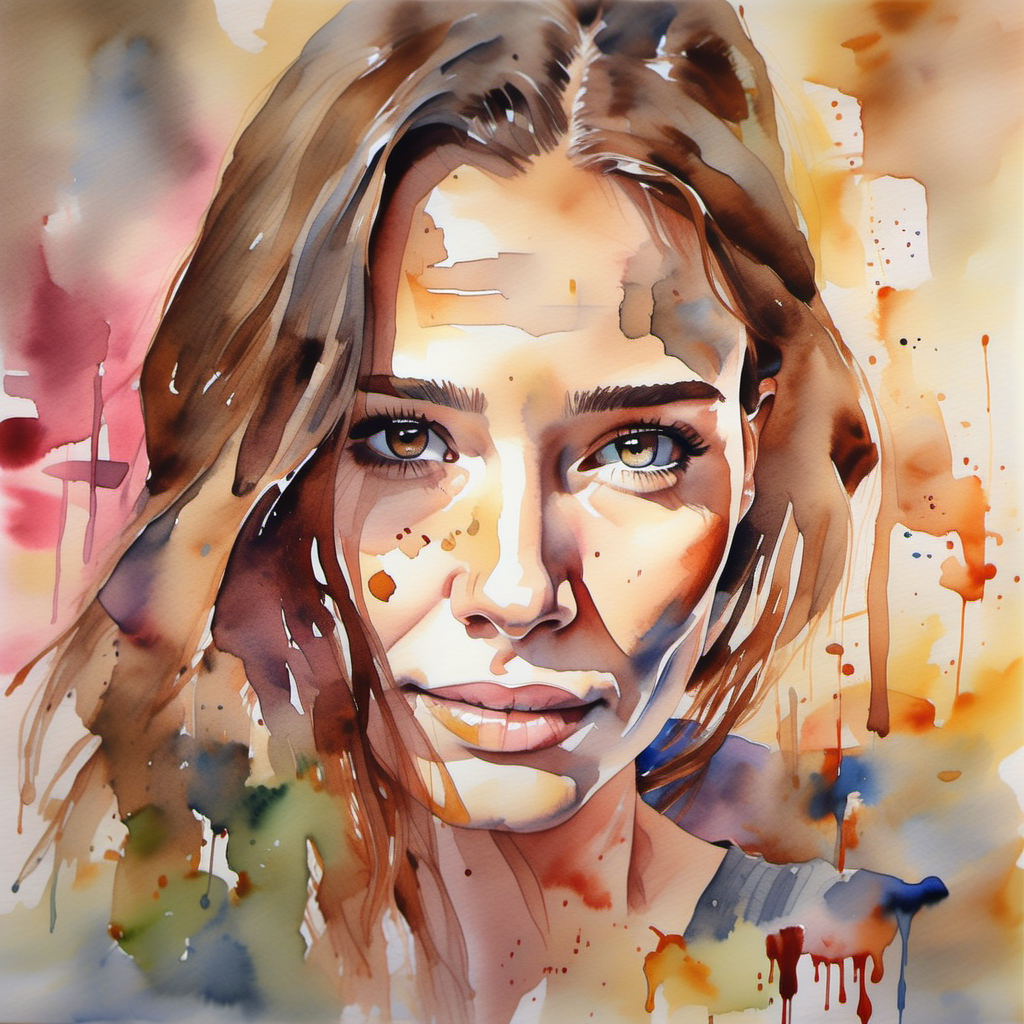
Supposed 60 year old full of hope:
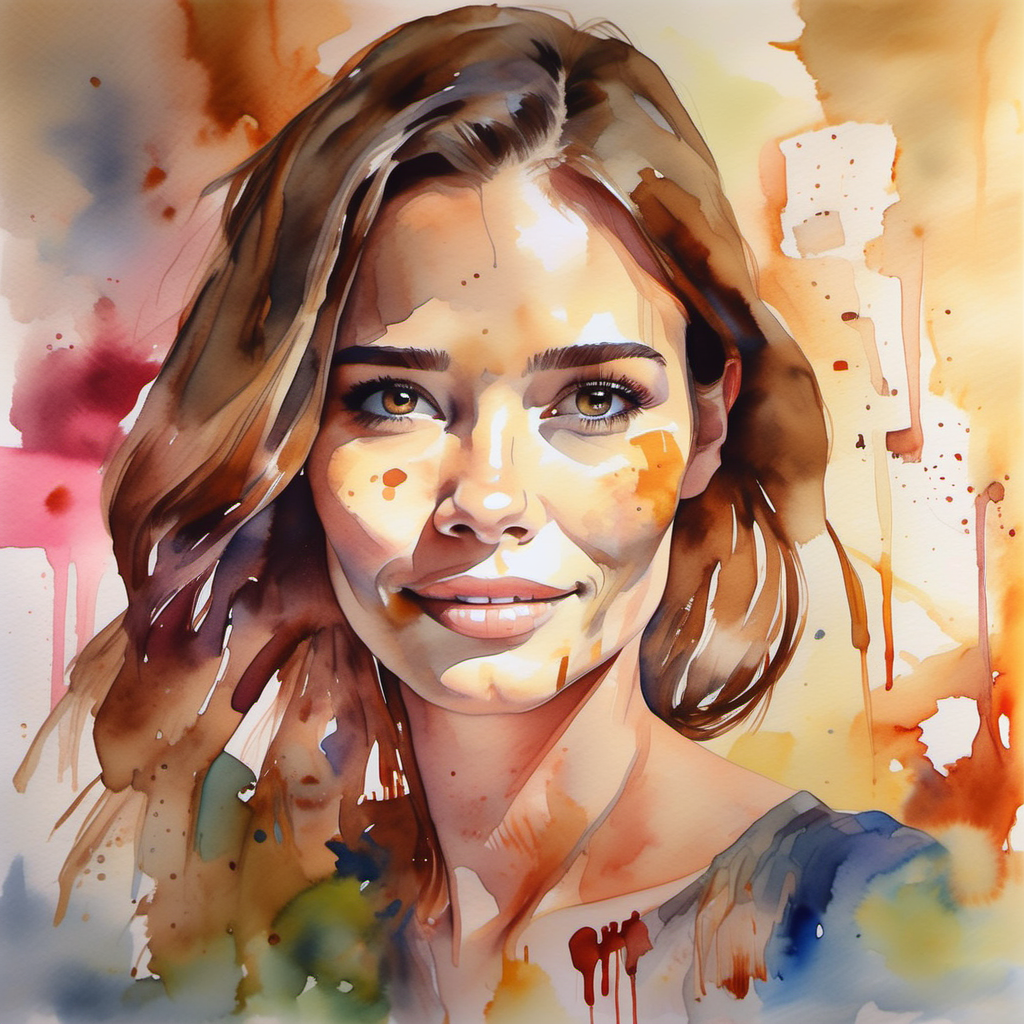
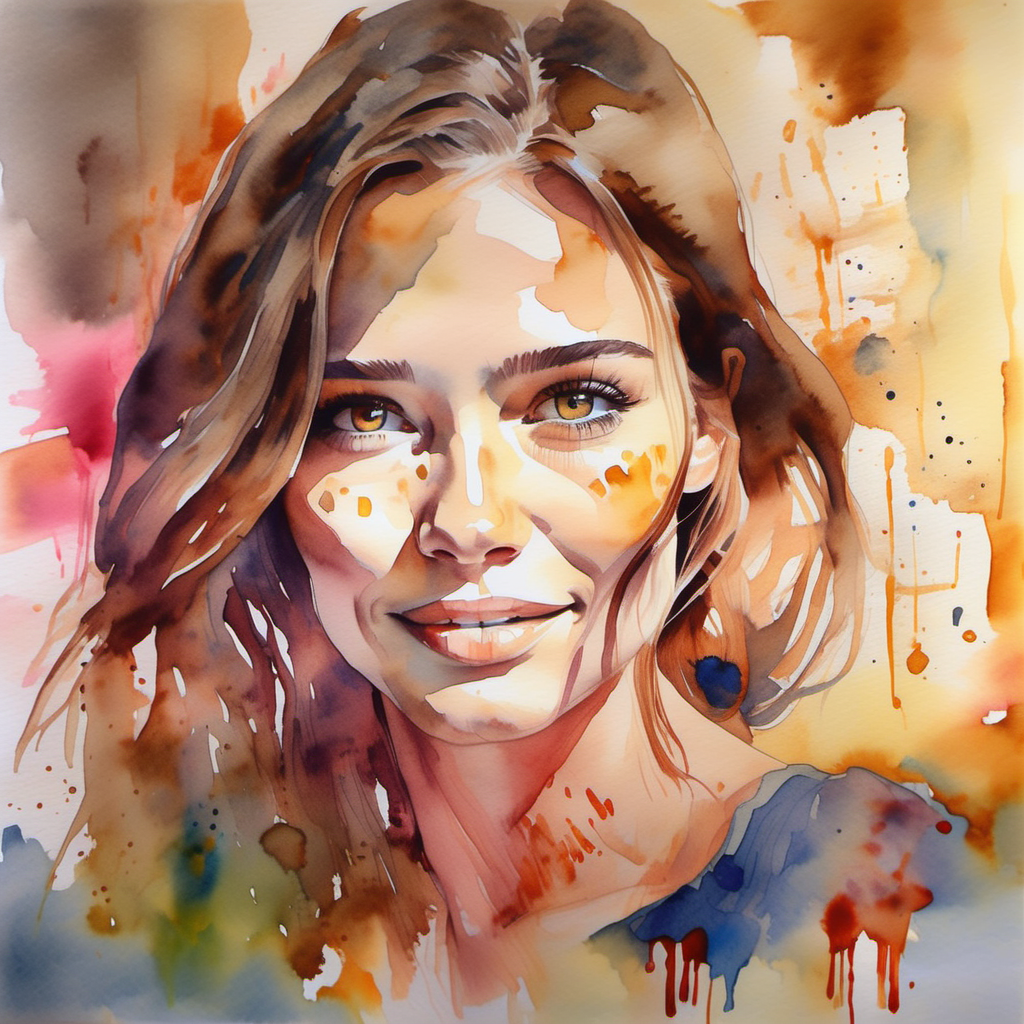
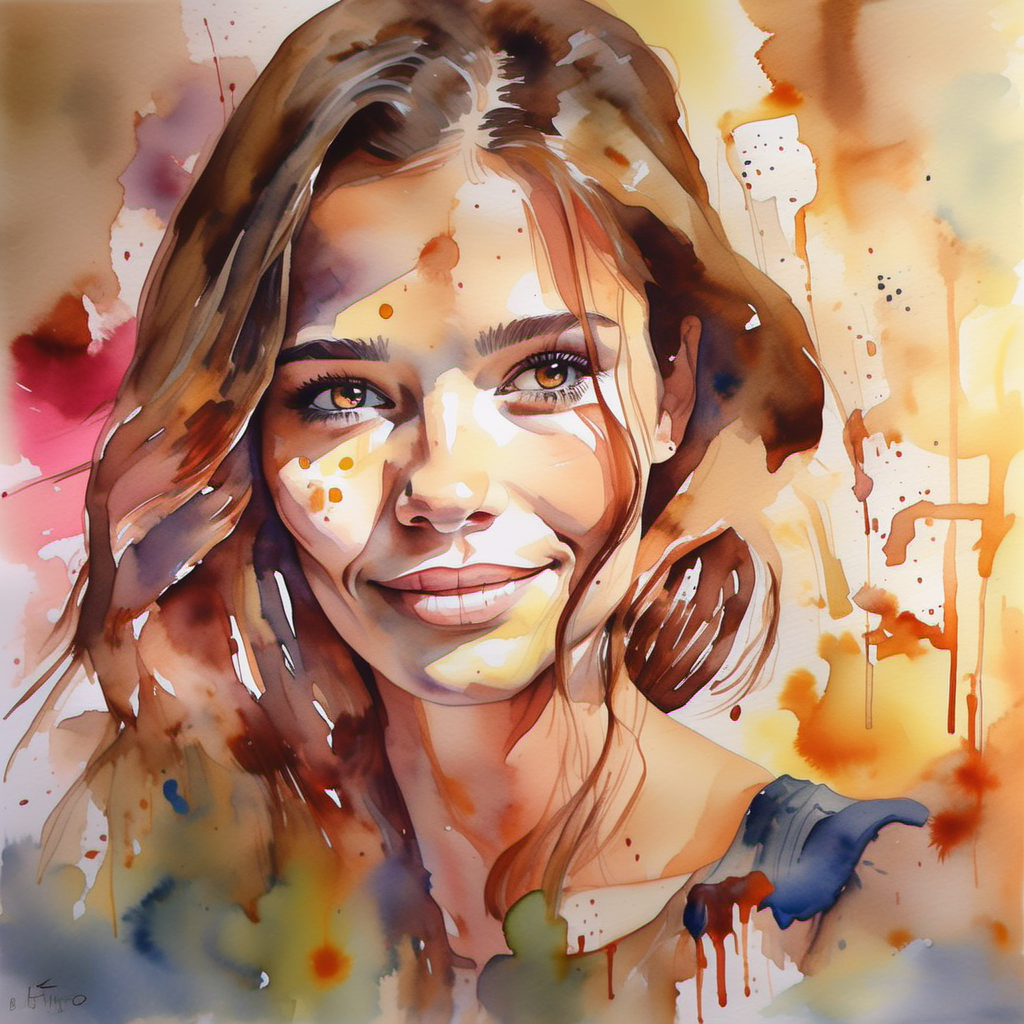
I experimented with different prompts, denoise values, CFG, samplers, schedulers and steps. I generated a total of 20 images of the 40-year-old woman and a total of 25 of the 60-year-old woman. However, none produced the results that I wanted.
Google Gemini
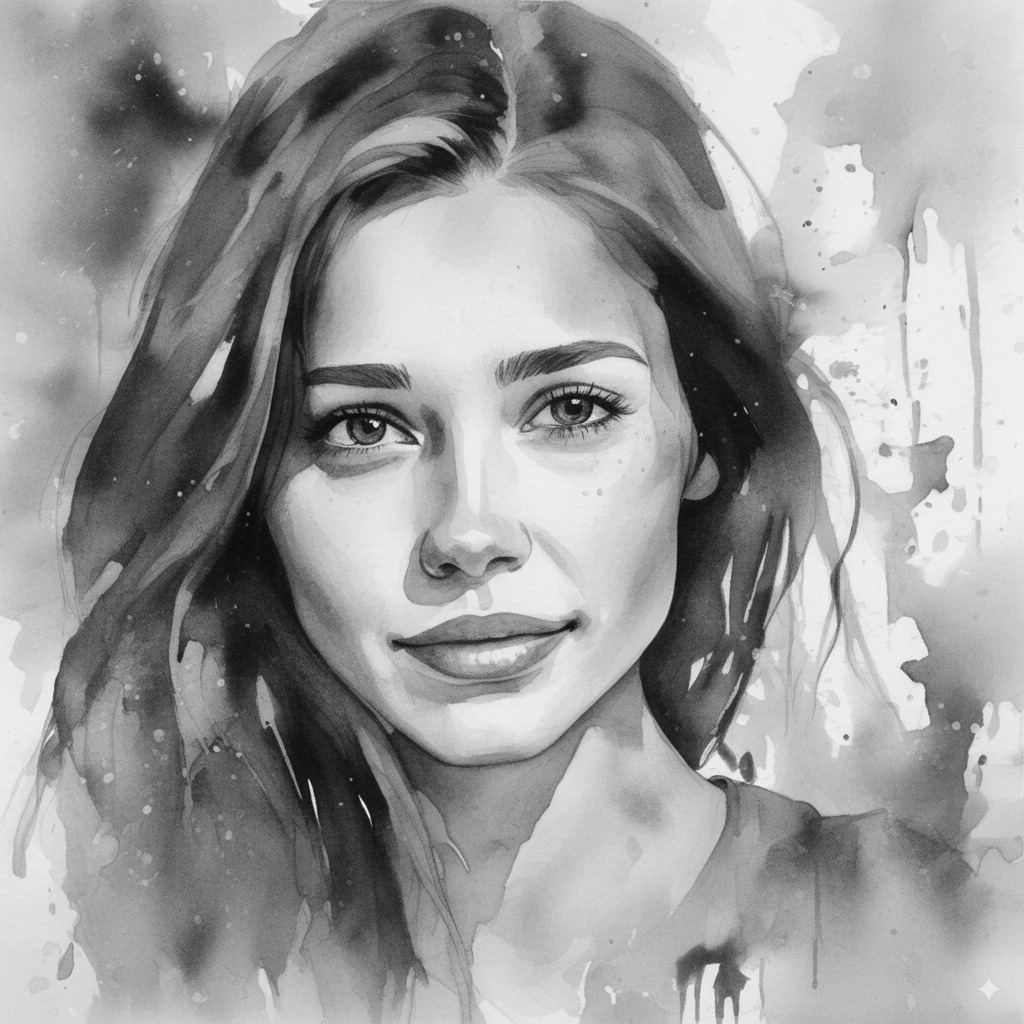
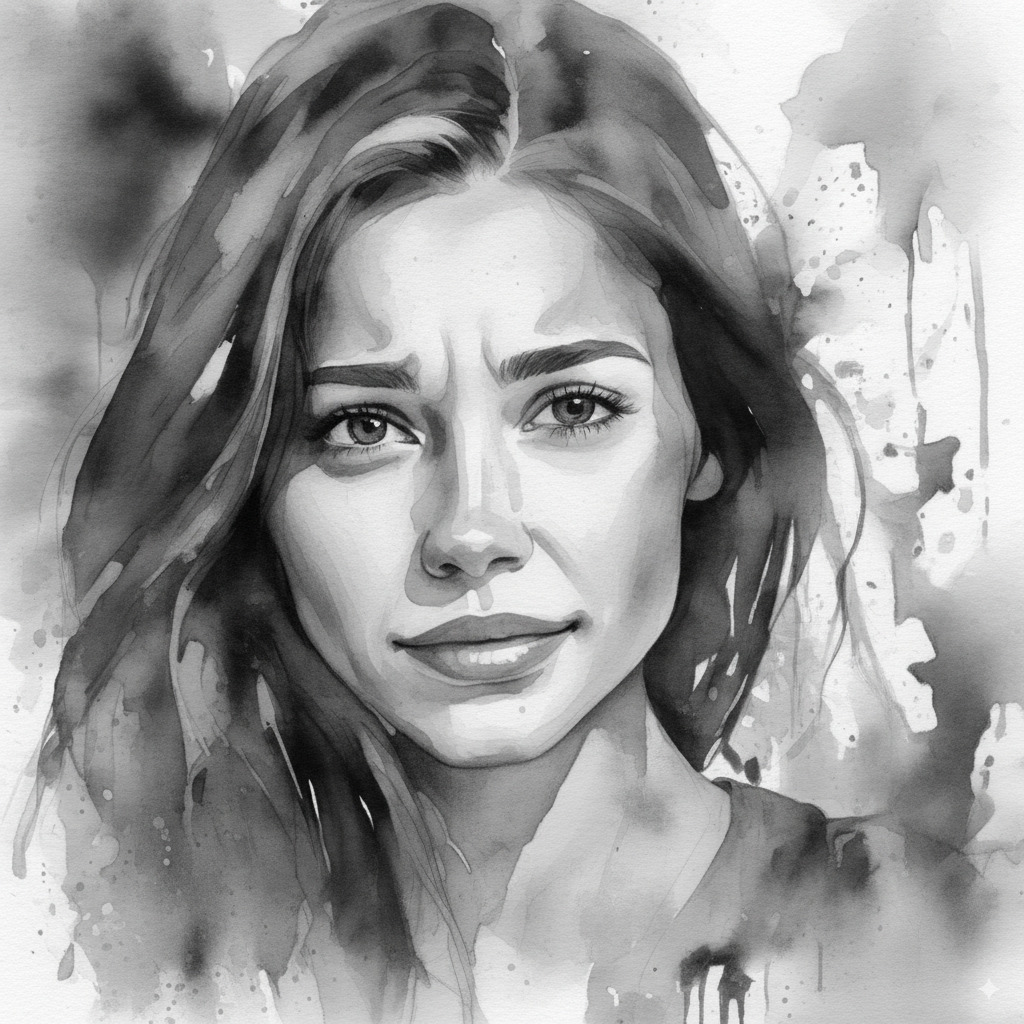
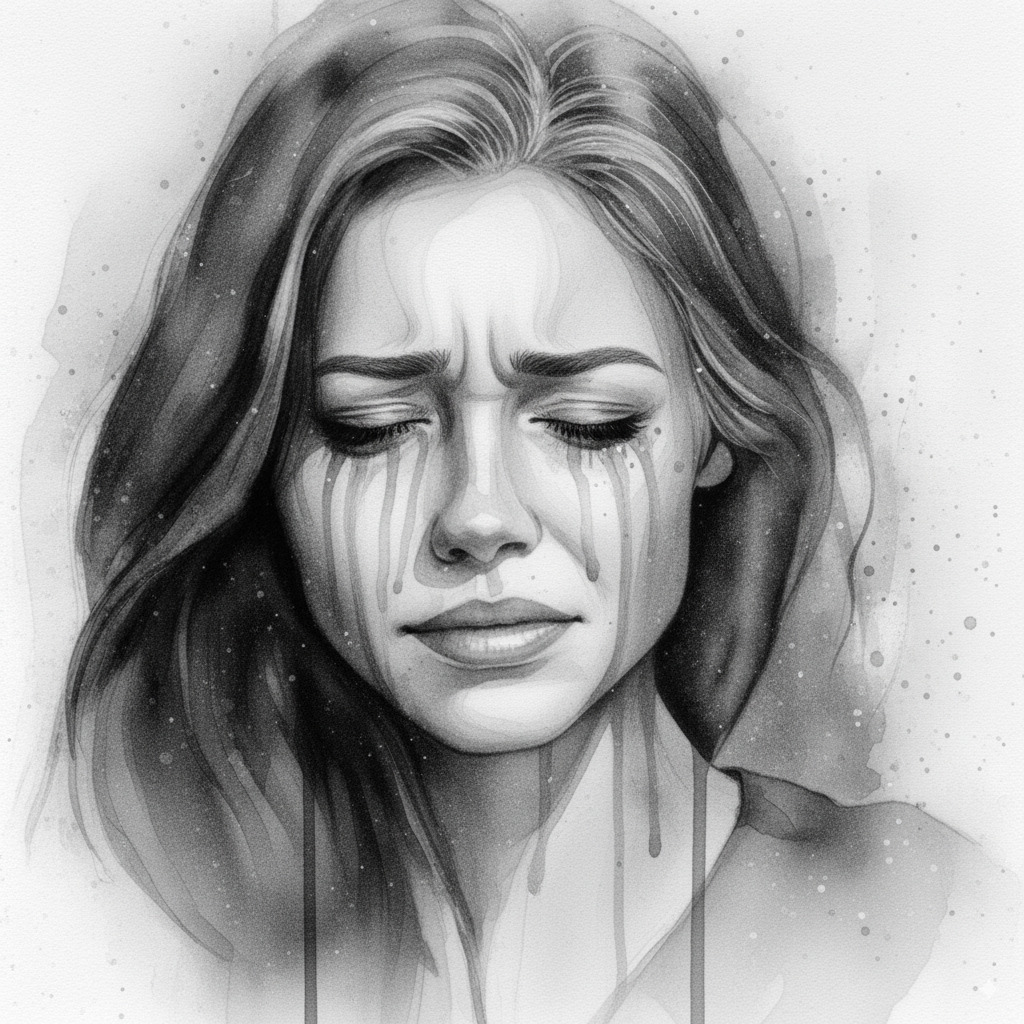
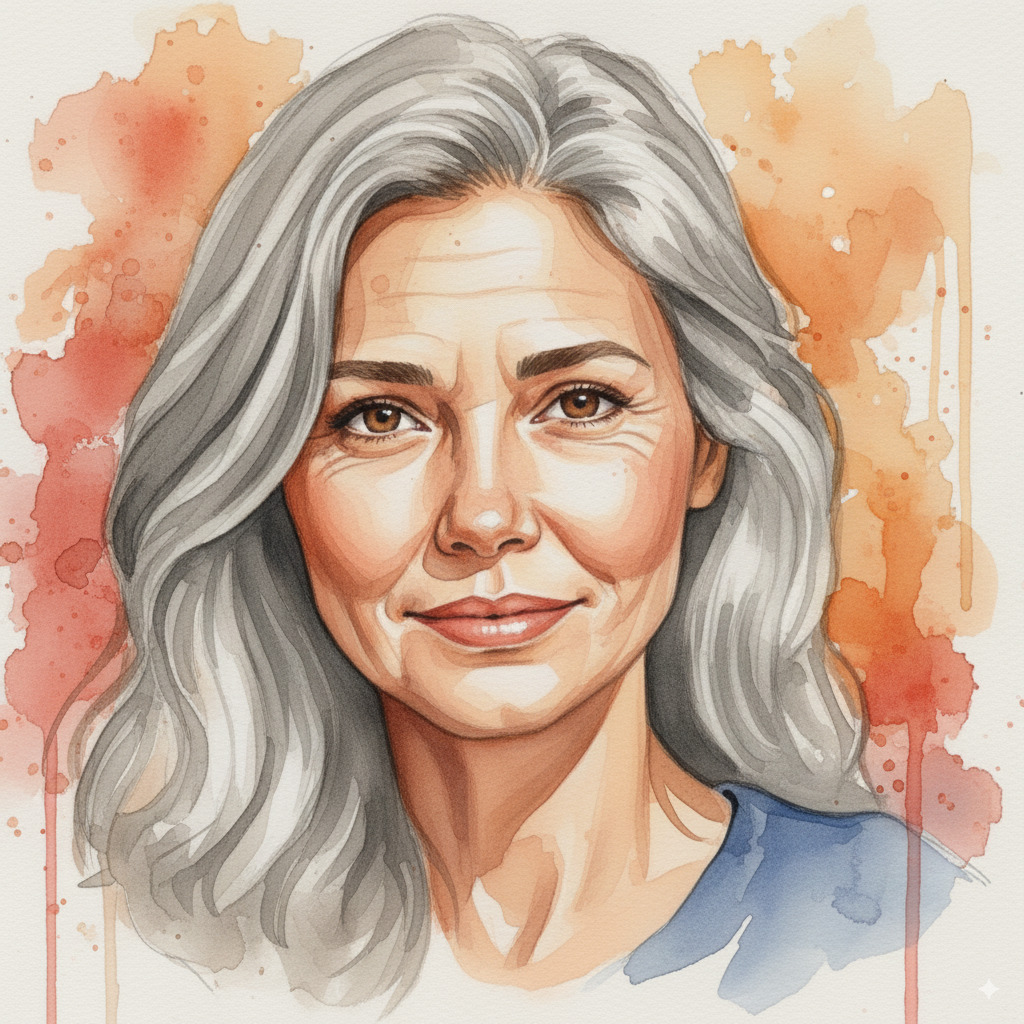
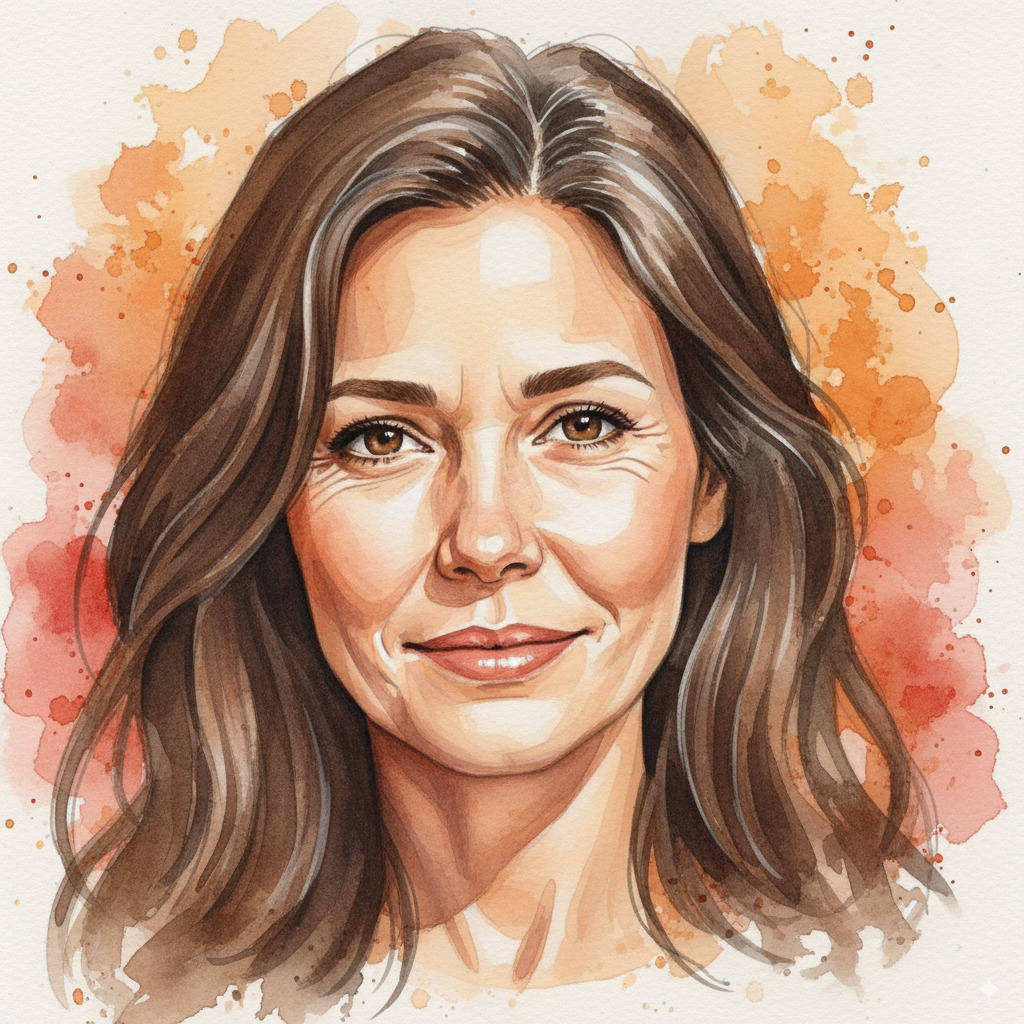
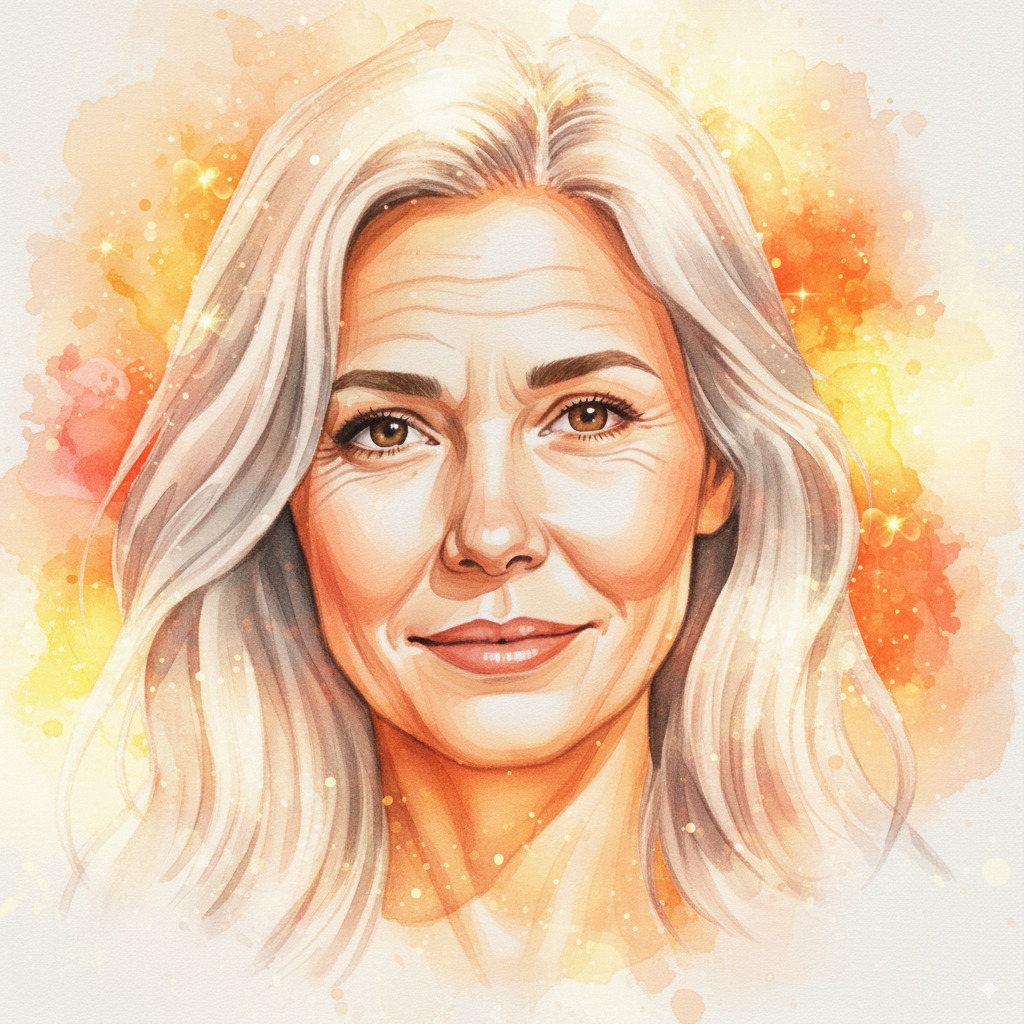
I also tried Google Gemini for the same task (generating the same woman as in the reference image in her 40s, but in black and white and with a sad look on her face and one where she is in her 60s and filled with hope).
I tried this out by generating new images in the same chat and opening new chats. I generated 14 images of a sad 40-year-old woman in black and white and 10 images of a 60-year-old woman with a hopeful look on her face. I didn’t like any of the results because the 40-year-old woman in black and white didn’t have enough sorrow (for a lack of better wording) and the 60-year-old woman didn’t look hopeful enough (for a lack of better wording). In other words, the images lacked emotion. Also, it didn’t handle aging well for some of the generated shots.
I also noticed Gemini keeping the same facial pose throughout all image generations, no matter how I prompted it. I kept the temperature mostly at the default value (1), but I also tried lowering it (and observed no significant difference). You can see the results below:
After the experiments with Google Gemini I briefly tried Google Veo 3, but it also didn’t produce the results that I wanted. I thought about experimenting with ControlNet, but it is focused on preserving structure or pose, so it didn’t seem like a right fit for this task. Here I was interested in aging, not perserving structure or pose. It’s also worth noting is that I tried out DreamShaper XL for some of my experiments instead of SDXL.
Since I couldn’t get aging to work, I decided to stop here. Without aging, I couldn’t tell the story I wanted to tell.
Limitations and future work
I have to acknowledge that I haven’t tried every possible technique that I could: this is by design. I tried out the most popular techniques and models which made the most sense given my experiment (aging). I also browsed through the internet: while I found some examples of AI-generated animated shorts, they were usually not polished and the characters were the same age through the animated short.
It could be argued that AI could be used to produce animated shorts with different screenplays and that may be true, but with these experiments I have shown that AI is not yet at a level where it could fully replace artists. As we have seen, AI struggles with aging and this is probably one out of many examples where a professional artist would beat AI.
Also, new developments in the field of image and video generation have occured after I concluded my experiments and I haven’t tried these (because they weren’t on the market at the time). However, from what I’ve seen, while they are much better at generating images and videos, they haven’t enabled producing animated shorts. You still need an artist for full creative control.
Conclusion
To summarize my hobby research project, I found that AI is great for making reference artwork. It helps artists see what you want much faster than if you describe it in words.
However, as it currently stands, AI is not suitable for producing animated shorts. We have seen one example where it falls short (aging) and there are probably many others. For creative production work of high quality, you need artists. AI just doesn’t cut it (currently).
Even though my experiments have yielded a negative result, I feel excited and optimistic about this field. AI could enable people who don’t know how to draw or animate (like me) to tell beautiful stories by describing them in words. I look forward to that day and I hope it will arrive in my lifetime.